You’re watching a film in English. A character switches to another language for one scene, and nothing comes up on screen. Or it goes the other way, and subtitles run through the whole film when you only needed that one scene translated.
Forced subtitles only translate what you couldn’t follow otherwise, such as dialogue in another language and signs on screen. Full subtitles cover all of the dialogue. In an MKV file, a forced track should carry a forced flag so Plex and Jellyfin can show it automatically. If that flag is missing, or on the wrong track, you get one of the two problems above.
In this guide
- What are full subtitles?
- What are forced subtitles?
- Why they get mixed up
- How to tell them apart
- The flags that matter
- How to set the forced flag
- Plex and Jellyfin settings
- Frequently asked questions
What are full subtitles?
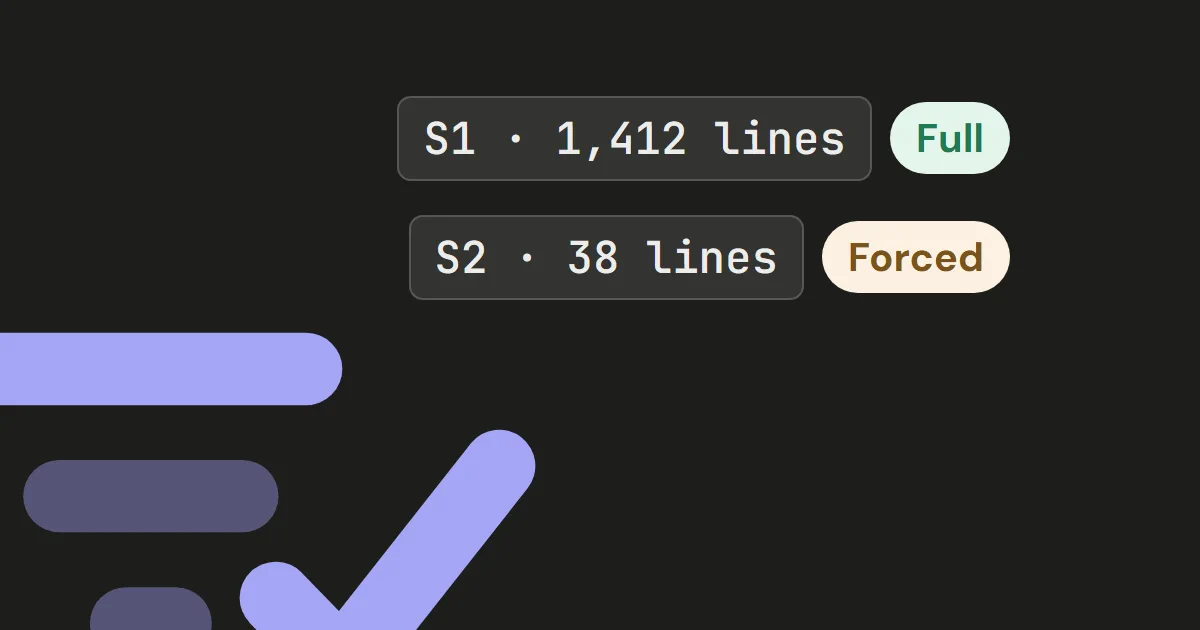
A full subtitle track covers all of the dialogue. It’s the one you turn on to read along, because you’re hard of hearing, the room needs to stay quiet, or the film is in a language you don’t speak. For a feature film it usually runs to hundreds or thousands of lines.
SDH (subtitles for the deaf and hard of hearing) is a type of full track that also describes sounds, such as music, a phone ringing or [door creaks].
What are forced subtitles?
A forced subtitle track only covers what you’d miss without it: a character speaking another language, a sign, a text message on screen, or a caption giving a place or date. It might contain only a few dozen lines across a whole film.
Forced subtitles are meant to appear even with subtitles turned off, since without them you’d miss part of the story.
| Full subtitles | Forced subtitles | |
|---|---|---|
| Covers | All dialogue | Foreign dialogue, signs and on-screen text only |
| Typical size | Hundreds to thousands of lines | A few to a few dozen lines |
| When it shows | When you turn subtitles on | Automatically, even with subtitles off |
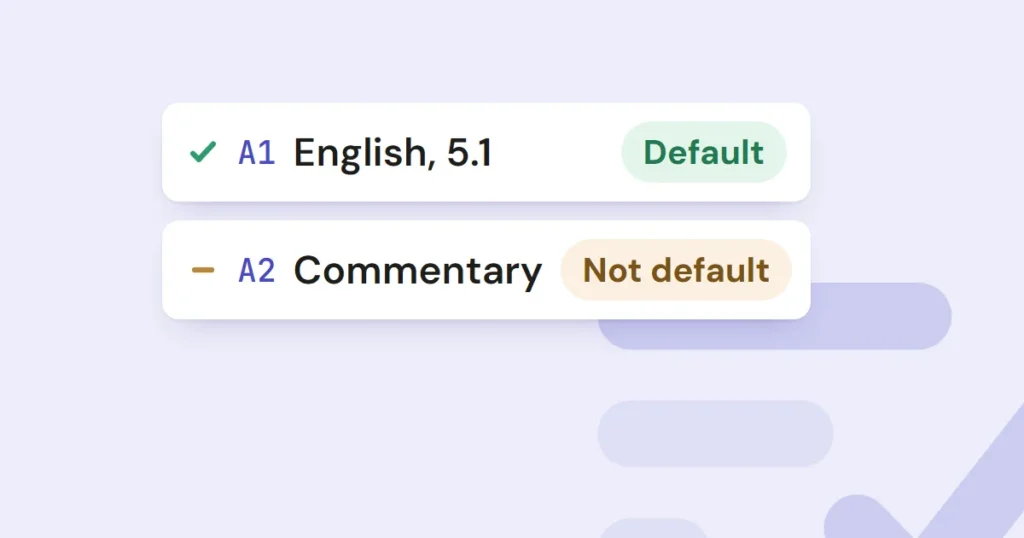
| Flags | Default | Forced, not default |
Why forced and full subtitles get mixed up
Every subtitle track carries a language, an optional name and a couple of flags. Whoever made the file set those labels, and Plex and Jellyfin go by them. They don’t read the subtitles themselves.
Plenty of files never set the forced flag at all, and a forced track often has the same language as the full one, sometimes even the same name. Your server can’t tell a 40-line signs track from a 1,500-line dialogue track.
That leads to one of three problems:
- No subtitles appear during foreign dialogue, because the forced track isn’t flagged.
- Full subtitles appear for the whole film, because the full track is flagged as forced.
- The forced track appears when you turn subtitles on deliberately, because it’s flagged as default or first in the list.
Read the label. Read the track.
How to tell forced subtitles from full subtitles
The name is the least reliable clue. Look at how the lines are spread out instead. Full subtitles have a line every few seconds from the first scene to the last. A forced track has a handful of lines, bunched around the scenes that need them.
- Count the lines. This is the clearest sign. A forced track is a small fraction of the size of the full one.
- Look at the timing. Forced lines cluster around particular scenes. Full subtitles run through the whole film.
- Check the track name. Names such as
Forced,SignsorForeign partshelp, but they’re often missing or wrong.
Text subtitles such as SRT and ASS are easy to count. Picture-based subtitles such as PGS from Blu-ray discs are images, so they have to be read before they can be counted. They can also make your server transcode.
Checking a whole library by hand is slow. FileVerdict counts the lines in every subtitle track for you, including picture-based ones.
The flags that matter
Two flags on each subtitle track decide what a player shows. Set them like this:
| Track | Default | Forced |
|---|---|---|
S1 · English, full | Yes | No |
S2 · English, forced | No | Yes |
The full track is the default, so it’s the one used when someone turns subtitles on. The forced track is forced but not default. It covers the foreign-language scenes by itself, and it won’t be picked by mistake when someone wants the full subtitles.
How to set the forced flag
By hand with MKVToolNix
- Open the file in MKVToolNix.
- Select the signs-only subtitle track. Set Forced display to yes and Default track to no.
- Select the full subtitle track. Set Default track to yes and make sure Forced display is no.
- Check both tracks have the correct language set.
- Save the file, then repeat for each file in your library.
With FileVerdict
FileVerdict reads every subtitle track, counts its lines, reads picture-based subtitles too, and proposes which track should be forced and which should be the default. Flags are changed without re-encoding.
Every subtitle track is read and its lines counted, with the evidence shown for each one.
Agree, override, or leave anything marked Suggested for later.
The flags are set and a new file is written. Nothing changes before this.
Getting Plex and Jellyfin to show forced subtitles automatically
The flags aren’t the whole story. Your subtitle settings decide what actually appears.
Plex: in your account’s language settings, set your preferred subtitle language and set the auto-select subtitle mode to Shown with foreign audio. Plex will then pick a forced track in your preferred language, even when the audio is in that language too. Both the audio and subtitle tracks need a language set for this to work.
Jellyfin: in the user’s subtitle settings, set your preferred subtitle language and choose a subtitle mode. Only forced shows forced tracks and nothing else. Default follows the flags in the file, so with the full track flagged as default, full subtitles will appear automatically. If you’d rather keep subtitles off unless they’re forced, choose Only forced or Smart.
Apps don’t all behave quite the same, so test on the device you watch on. If the wrong audio or subtitles still play, see why Plex and Jellyfin pick the wrong track.
In short
- Forced subtitles translate foreign dialogue and signs. Full subtitles cover everything.
- Forced tracks are short and bunched. Full tracks run the whole film.
- Flag the full track as default and the forced track as forced, not default.
- Then set your Plex or Jellyfin subtitle mode to show forced subtitles.
Frequently asked questions
What does forced mean on a subtitle track?
It’s a flag in the file that marks the track as one to show even when subtitles are turned off. It’s meant for tracks that only translate foreign dialogue, signs and on-screen text.
Should the forced subtitle track be the default track?
No. The full subtitle track should be the default, so it’s used when someone turns subtitles on. The forced track should have the forced flag only, so it covers foreign-language scenes without being picked by mistake.
Why do forced subtitles show for the whole film?
Usually because the full subtitle track has been flagged as forced, or because there’s no separate forced track and the server has fallen back to the full one. Check which track carries the forced flag.
Are forced subtitles the same as burned-in subtitles?
No. Burned-in subtitles are part of the picture and can’t be turned off. Forced subtitles are a separate track that the player shows automatically, and you can still switch them off or change them.
Does setting the forced flag affect video quality?
No. The forced flag is a label on the subtitle track. Changing it doesn’t touch the video or audio, and both MKVToolNix and FileVerdict can set it without re-encoding.